
Gaming Mode
Discover how the Gaming Mode Windows optimization tool by Aria Vision maximizes your PC gaming performance with smart profiles and real-time monitoring.
The Struggle with Windows Background Overhead
Every PC gamer knows the frustration of sudden frame drops and system lag during intense multiplayer matches. Background processes, system updates, and poorly allocated resources frequently disrupt your gameplay. The Gaming Mode Windows optimization utility by Aria Vision is designed to address this specific pain point, offering a streamlined environment that prioritizes your game above everything else.
How the Gaming Mode Windows Optimization Tool Works
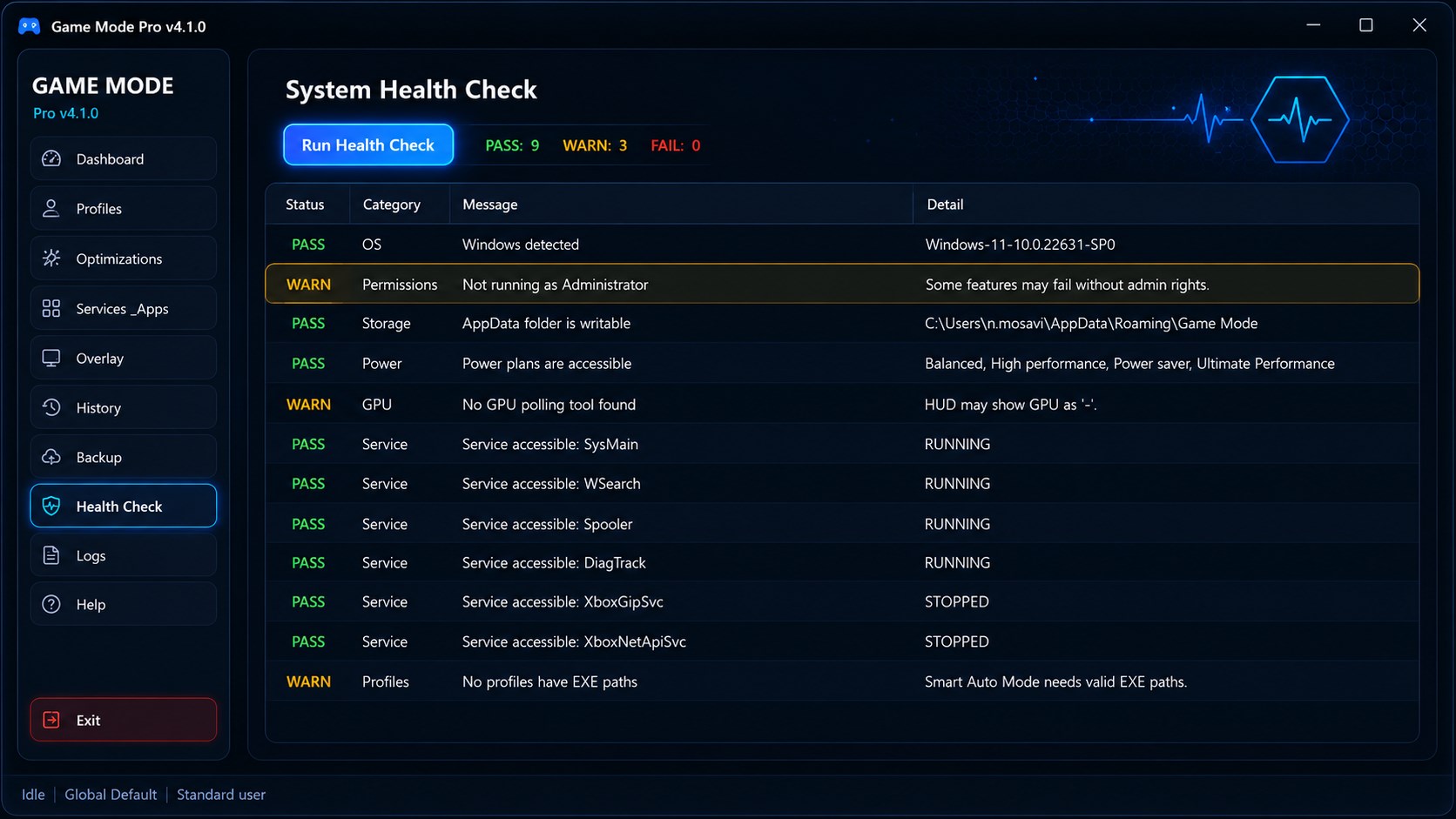
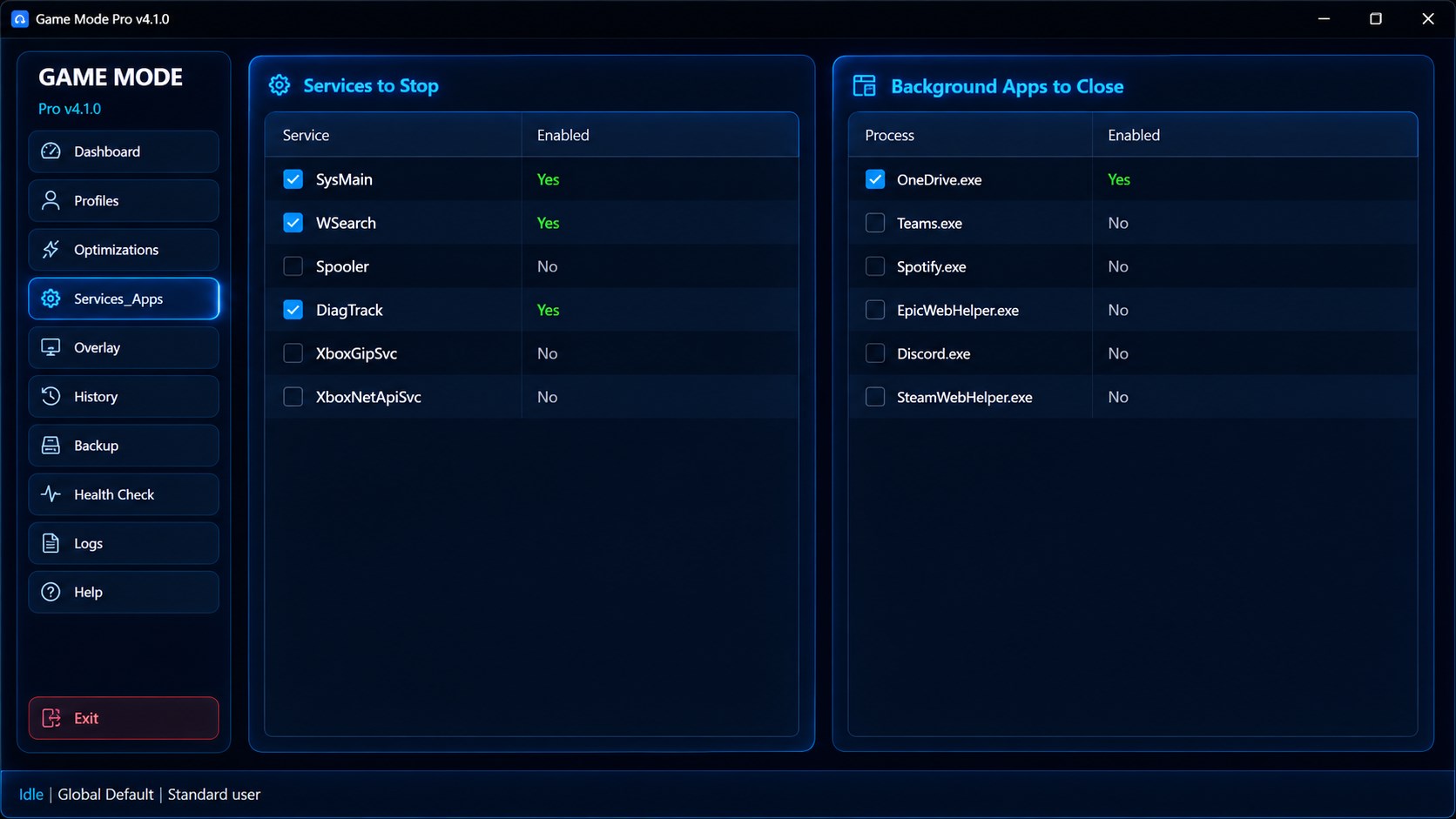
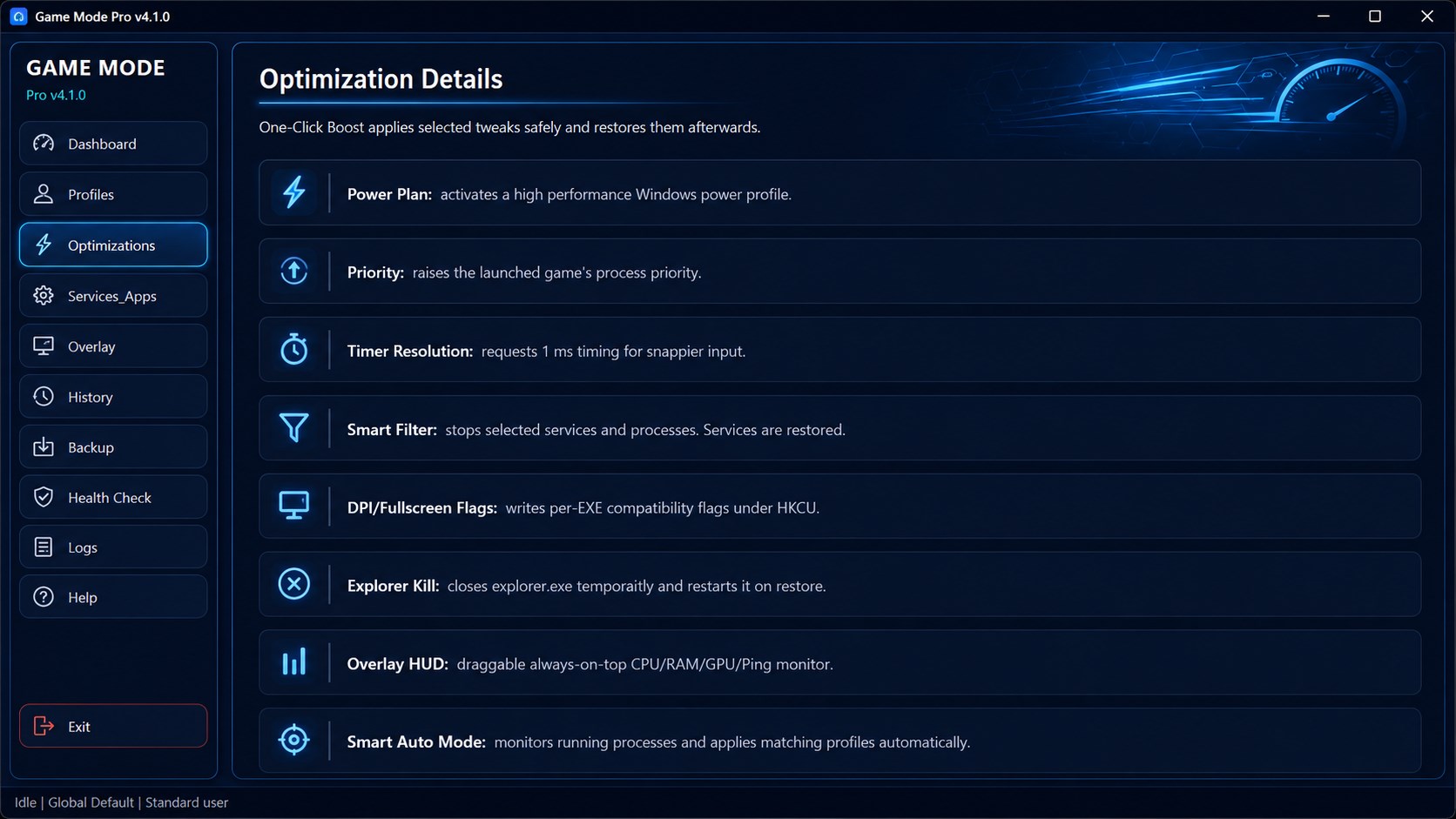
This utility acts as a dedicated control center for your PC's resources. Rather than requiring manual adjustments to Windows services every time you launch a game, it automates the entire process. With a single click, it reallocates system priority to your active game, ensuring your hardware is fully utilized where it matters most.
Key Features of Gaming Mode Pro
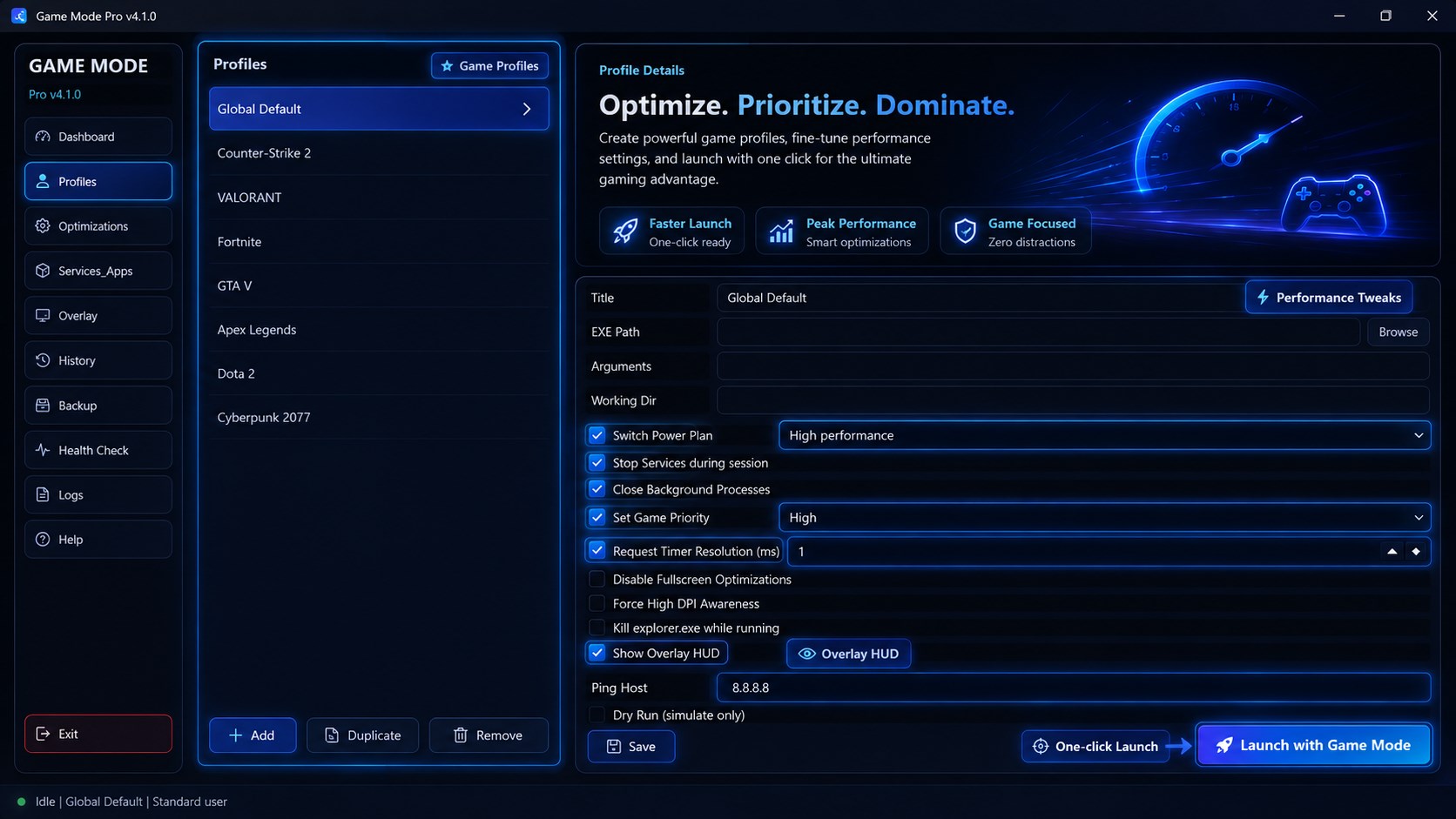
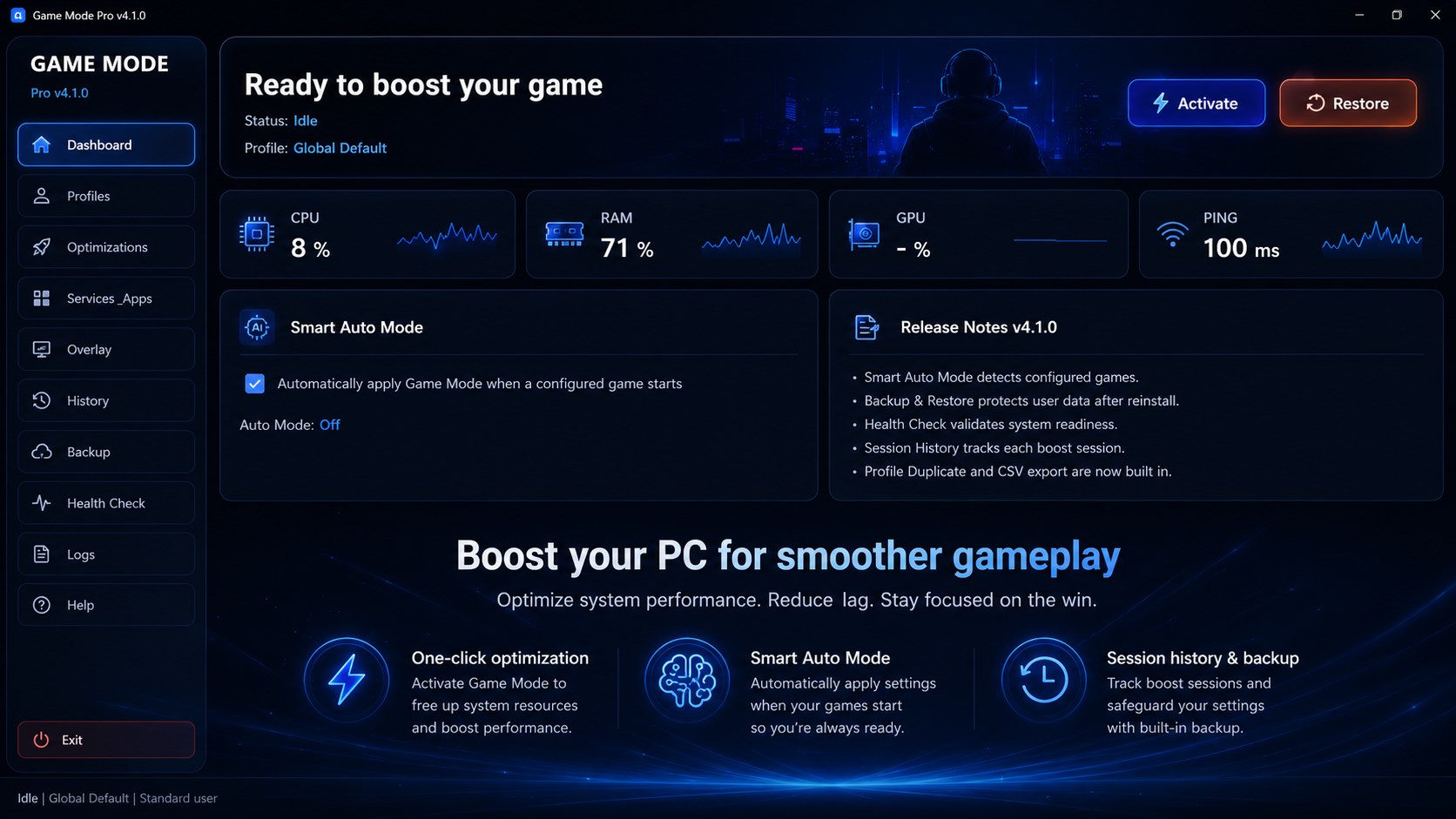
- One-Click Performance Boost: Instantly optimize your system resources before launching resource-heavy titles.
- Smart Game Profiles: Create and save tailored configurations for different games in your library.
- Live System Overlay: Monitor your CPU usage, GPU load, and network Ping in real-time without leaving your game.
- System Tray Integration: Run the software quietly in the background without cluttering your desktop workspace.
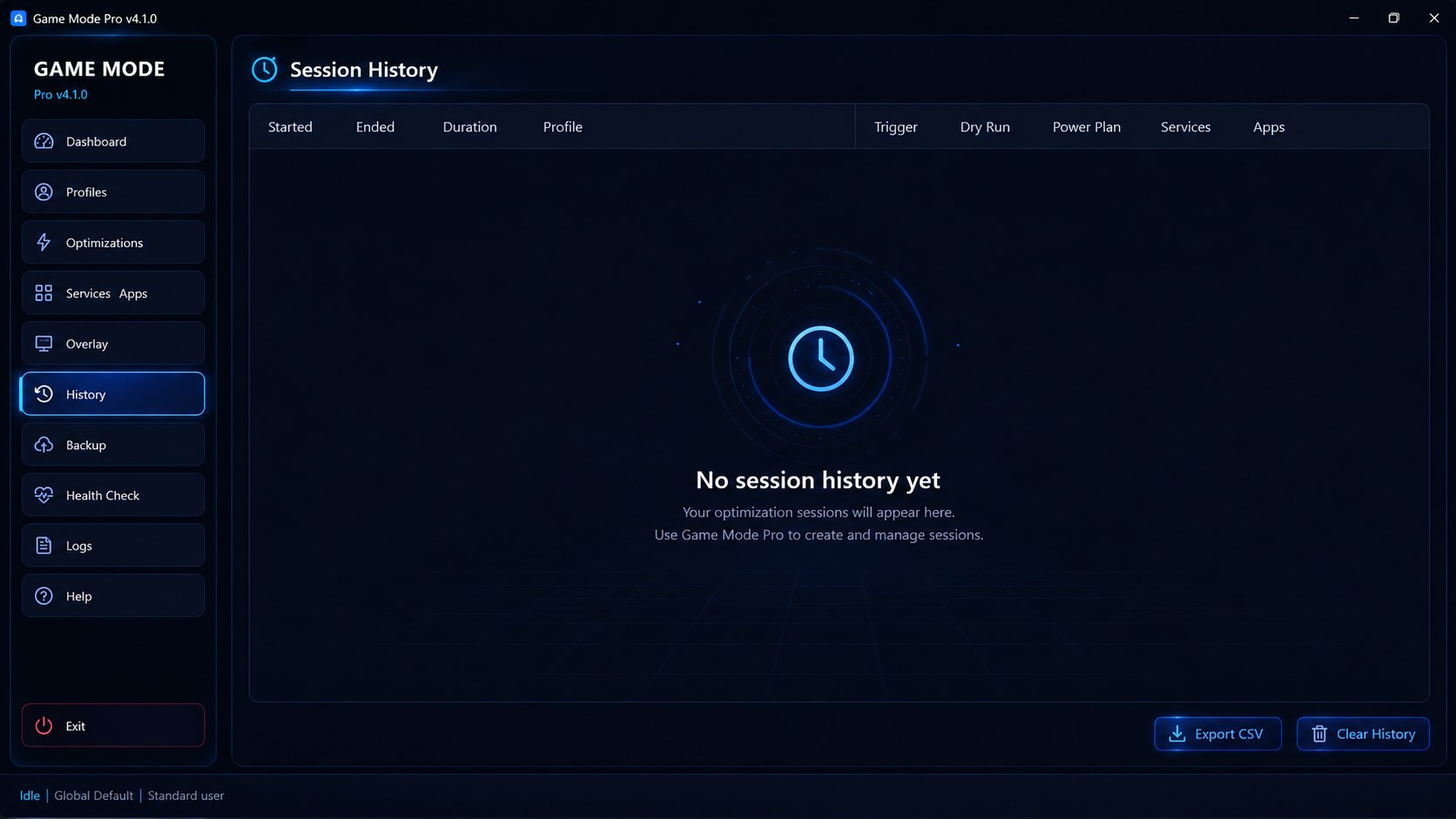
- Session History & Backup Tools: Keep track of your performance trends and back up your configuration settings.
- Safe Auto-Restore: Automatically reverts your PC back to its standard operational state once you finish your gaming session.
Who Is This Optimization Utility For?
If you are running a mid-range Windows setup or want to squeeze every possible frame out of a high-end rig, this tool offers a structured, safe way to manage system resources. It is particularly useful for competitive players who rely on stable framerates and low latency, as well as casual players who want a hassle-free, console-like startup experience on PC.
Our Editorial Verdict
By combining active performance tuning with an automatic restore function, Aria Vision has built a highly practical tool for the Windows platform. It eliminates the need for complex registry tweaks or dangerous overclocking scripts, providing a safe, centralized dashboard for performance management.
To learn more or purchase the utility, visit the official Microsoft Store page for Gaming Mode Pro.