

Mailbutler Email Extension Review: Smarter Inbox Management



An in-depth review of the Mailbutler email extension for Mac. Discover how to track emails, collaborate with teams, and optimize your daily workflow.
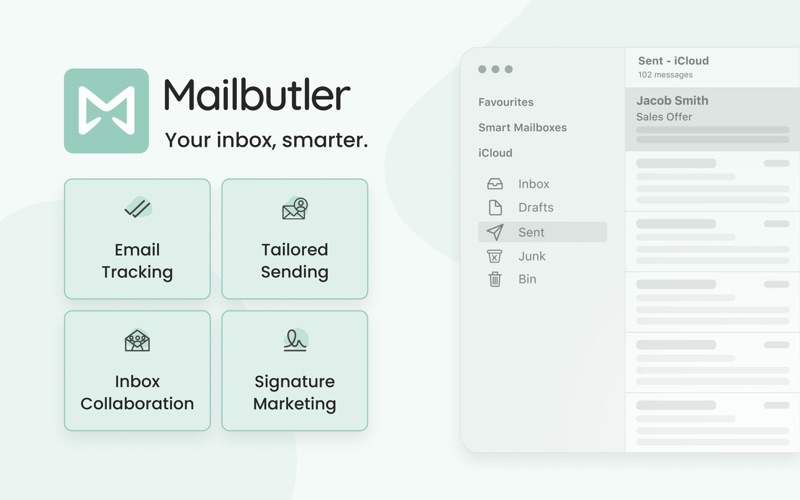
Managing a cluttered inbox can feel like a full-time job, but the Mailbutler email extension offers a practical way to reclaim your productivity. Designed specifically to integrate directly into your existing email clients—including Apple Mail, Gmail (via Safari, Chrome, and Edge), and Outlook on macOS—this utility transforms your standard email setup into a highly organized, intelligent workspace. Rather than forcing you to migrate to a new application, it works within the interfaces you already know.
Take Control of Your Communication with Real-Time Tracking
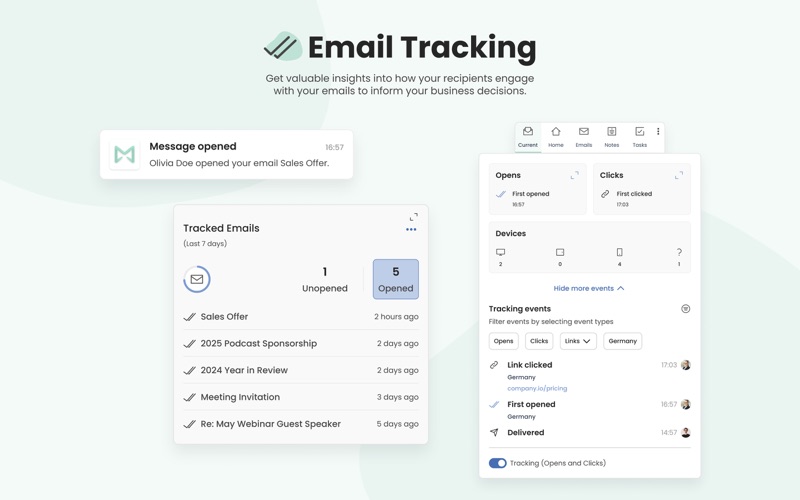
With the Mailbutler email extension, you no longer have to wonder if your important messages have been read. The built-in email tracking feature provides immediate, actionable insights into recipient behavior. You can see exactly when, where, and how many times your emails were opened, as well as which links were clicked and what devices were used. This raw data allows professionals to follow up at the perfect moment, eliminating awkward guesswork and improving communication efficiency.
Schedule and Personalize Your Outreach
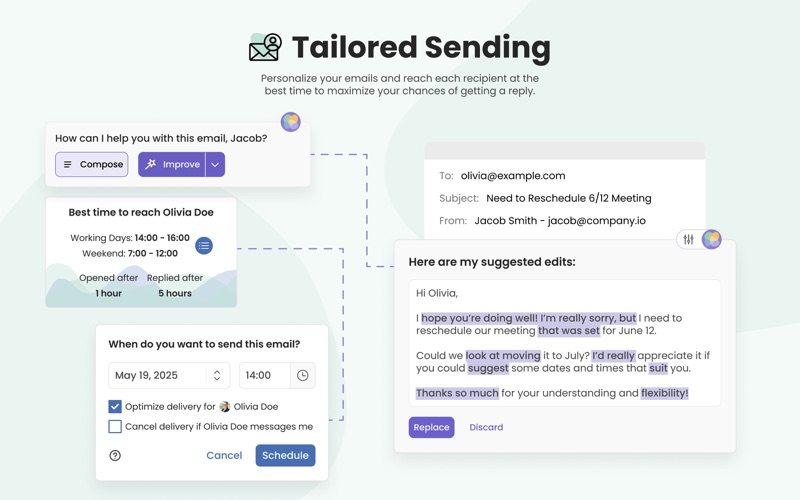
Timing is everything in professional communication. The extension allows you to draft emails and schedule them to be sent at the precise moment they are most likely to be read. To enhance your writing workflow, the integrated, customizable AI helps draft polished, mistake-free messages. For larger campaigns, the Mail Merge function lets you personalize outreach at scale, ensuring each recipient receives a tailored message that fosters stronger business relationships.
Turn Your Inbox into a Collaborative Hub
Email is rarely a solo endeavor in modern business. The Mailbutler email extension introduces robust team collaboration tools directly into your mail client. You can assign specific emails to team members, share private or group notes, set tasks, and apply colored tags to keep projects organized. Real-time status indicators ensure that everyone stays aligned and that critical client communications never slip through the cracks.
Professional Signature Marketing
Every email you send is an opportunity to promote your brand. This extension lets you design and deploy customizable email signatures complete with marketing banners, call-to-action buttons, and promotional links. It is an effortless way to turn daily correspondence into an active marketing channel.
Why Consider This Tool?
- Cross-Platform Harmony: Works seamlessly across different email clients, keeping team collaboration consistent.
- Privacy First: Your messages remain secure and are never accessed or read without your explicit consent.
- User-Driven Evolution: Features are regularly updated and improved based on real customer feedback.
If you are looking to bring confidence, structure, and advanced tracking to your daily communication, this tool is an excellent addition to your macOS environment. You can learn more and explore its features by visiting the official Mac App Store page.