
Advanced Call Recorder
Read our comprehensive review of Advanced Call Recorder for Mac. Discover how this tool captures dual-channel audio, screen video, and meetings.
The Challenge of Recording Multi-Party Digital Meetings
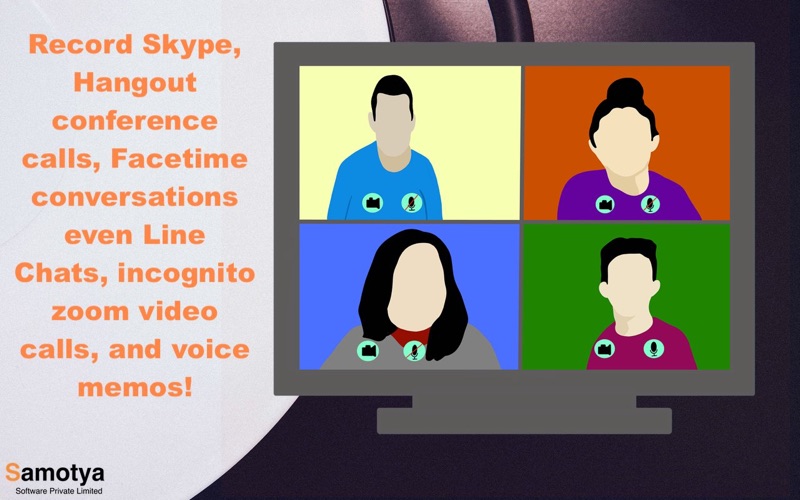
In an era of remote collaboration, capturing the precise details of a virtual meeting, online lecture, or interview is a common hurdle for Mac users. Standard tools often fail to capture both sides of a conversation, especially when headphones are plugged in. The Advanced Call Recorder screen and audio capture utility solves this exact problem by offering a dedicated system designed to record dual-channel audio alongside high-definition screen video on macOS.
Key Features of the Advanced Call Recorder Screen and Audio Capture Utility
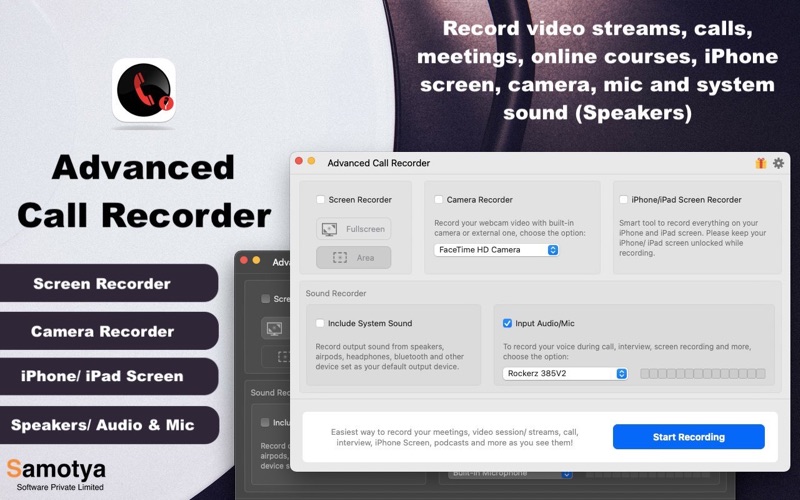
Developed by SAMOTYA SOFTWARE PRIVATE LIMITED, this communication utility stands out by offering versatile, multi-source recording options. Whether you need to archive a business presentation or document a software tutorial, the app provides several specialized recording modules:
- Dual-Channel Audio Capture: Unlike basic tools, you can record both your microphone input and the system audio simultaneously, even when using headphones or AirPods.
- Flexible Screen Recording: Choose to capture your entire Mac desktop or use the "Select Region" tool to focus solely on your active video call window, browser, or media player.
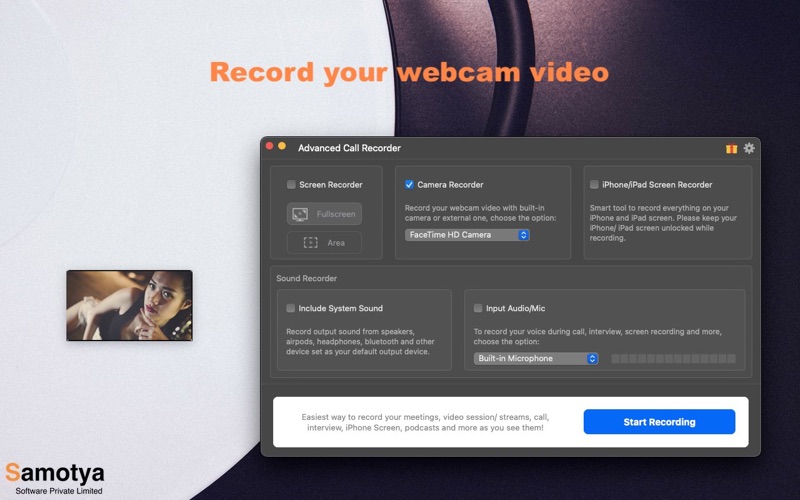
- Picture-in-Picture Capabilities: Integrate your built-in webcam or an external camera feed directly into your screen recordings to create engaging, instructional content.
- iOS Device Integration: Connect and record your iPhone or iPad screen, making it incredibly simple to create mobile app walkthroughs and voiceover tutorials.
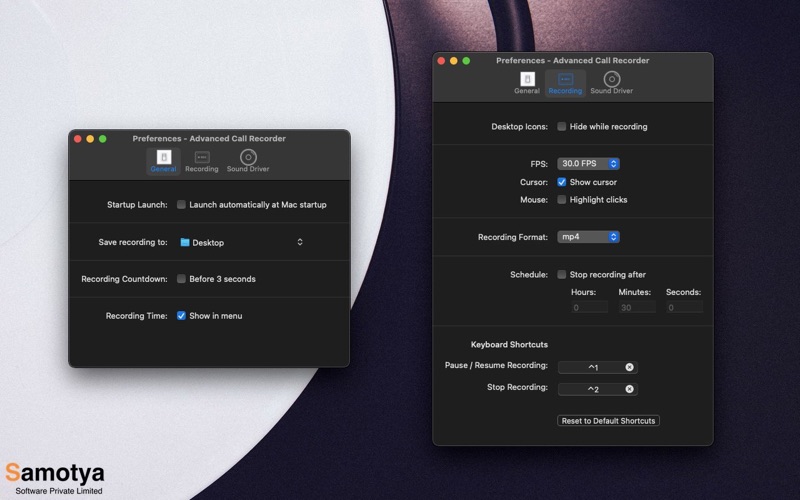
- Clean Desktop Presentation: Keep your recordings professional by enabling the option to automatically hide desktop icons while recording is active.
Who is Advanced Call Recorder For?
This software is tailored for professionals, educators, and content creators who rely on clear communication. If you regularly conduct interviews, participate in online courses, or coordinate remote team meetings, the Advanced Call Recorder screen and audio capture utility ensures you do not miss critical spoken details. Its flexible configuration options—such as customizable keyboard shortcuts, adjustable frame rates, and scheduled stopping—make it adaptable to various workflows.
Important Usage Considerations
To get the most out of your setup, keep in mind that capturing system audio (the sound coming from your Mac speakers) requires a lightweight sound driver plugin provided by the developer. Additionally, some third-party applications may restrict video or audio recording due to digital rights management (DRM) or privacy configurations.
Our Verdict
The Advanced Call Recorder screen and audio capture utility delivers a robust, streamlined solution for macOS users who need dependable screen and dual-channel audio recording. It eliminates the frustration of silent playback and complex virtual audio routing. To explore this tool further and add it to your workflow, visit the official Mac App Store to get started.